
Choose from hundreds of email templates


Create an email campaign
Le persone amano PosterMyWall
-
“
Love the templates and all the tools. Very friendly to use.
 Carol CordovaMarketer
 -
“
PosterMyWall is the best platform. It helped us in the business to make adverts.
Joe JokepuBusiness Owner -
“
This is the easiest app I’ve ever used to create flyers, posters, social media posts. I love it!
Jo Anne ElliottBusiness Owner



Leggi recensioni dei clienti
How to create an email campaign
-
Scegli un modello e-mail
Scegli tra migliaia di modelli e-mail progettati da professionisti per qualsiasi attività, occasione o evento.
-
Personalizza l'e-mail con strumenti intuitivi
Aggiungi il tuo logo, immagini, video, font, sticker, clip audio e altro ancora. Usa i Brand Kit per progetti coerenti e in linea con il marchio.
-
Visualizza l'anteprima dell'e-mail o scarica l'HTML
Scarica l'HTML dell'e-mail gratuitamente o visualizza l'anteprima su desktop, tablet e cellulare per vedere come appare su schermi diversi.
-
Pubblica la tua campagna e-mail
Aggiungi una mailing list e invia la tua e-mail direttamente da PosterMyWall.
Featured email templates for every need




Announcement

Back in Stock

Coming Soon

Daily Specials
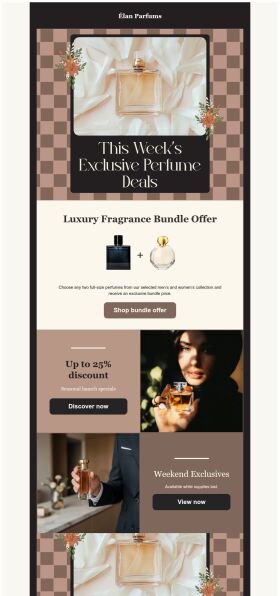
Deals and Bundles
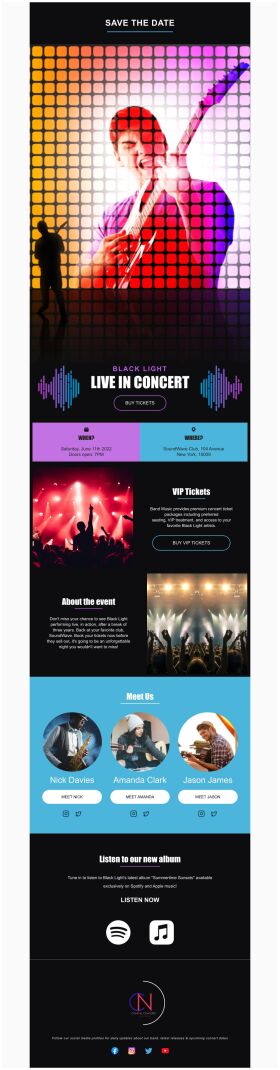
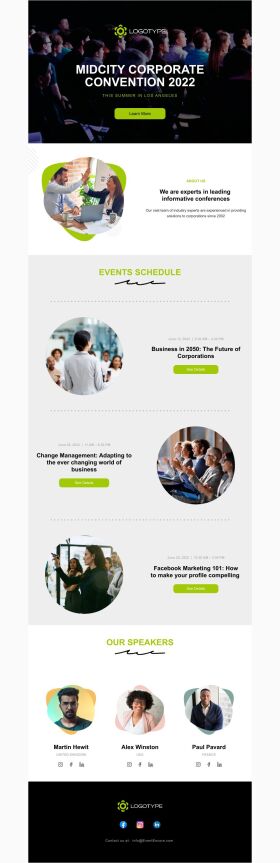
Event Promotion

Event Schedule
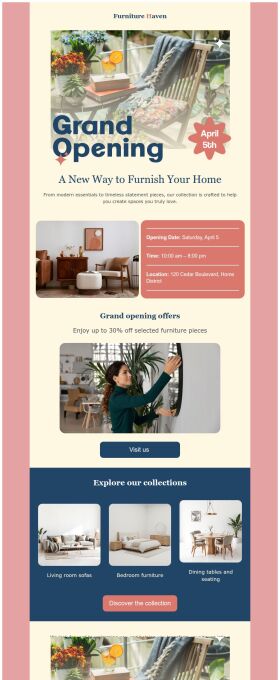
Grand Opening


Domande frequenti
How do I create and send my email campaign?
Create an email campaign by customizing an email template from the gallery. Add photos, videos, stickers, buttons, tables, social links, or your own designs from PosterMyWall with our easy-to-use drag-and-drop Email Maker. Free users can export the email in HTML format, and Premium subscribers can publish it directly from PosterMyWall.
How does an email marketing campaign work?
Email marketing campaigns are essential to boost sales, maintain relations with customers and collect feedback. Use our email maker to promote special offers, introduce new products, exclusive brand deals, welcome new customers, and much more.
How to implement email segmentation strategies using an email maker?
To effectively use email maker, first build an email list of potential clients for your business. You can get it through a subscription program or sign-in form on your website. Next, divide your list based on different market segmentations and customize an engaging email campaign targeting each group's needs. Later, track the campaign's performance.
How many people can I send emails to?
You can export your email as an HTML file on the free plan, then send it via your email service provider like Gmail, Hotmail etc. If you’re subscribed to the Premium or Premium Plus plan, you can send 3000 emails and 10,000 emails per month respectively with PosterMyWall’s Email Marketing Platform.






